Just a little
finishing touch.
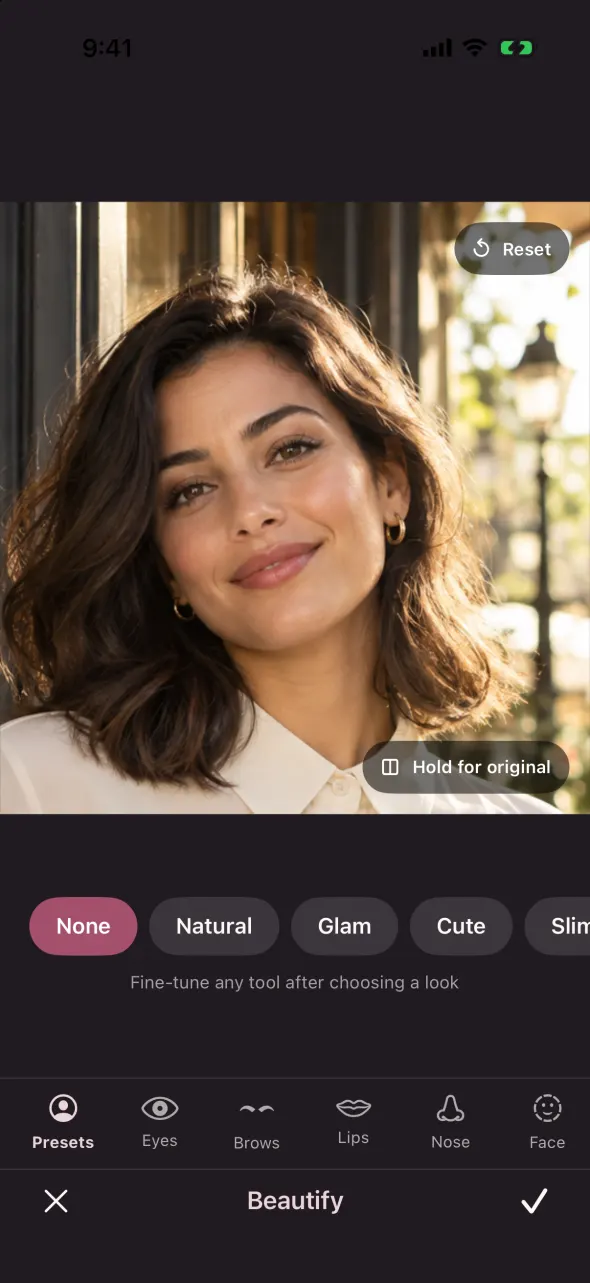
Forty-nine filters, thirteen adjustments, and face tools you can take your time with. All on your iPhone. All without credits.
- Non-destructive edits
- Undo & redo
- Hold for original

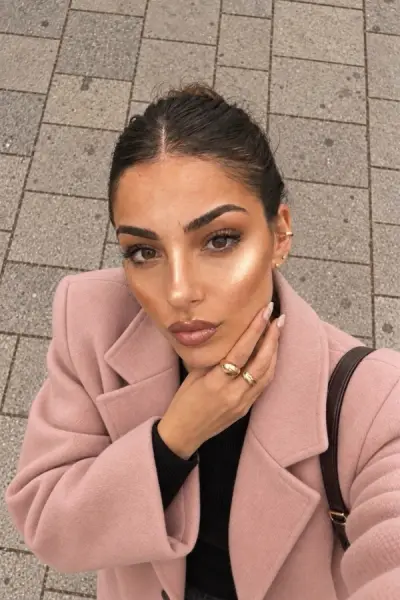
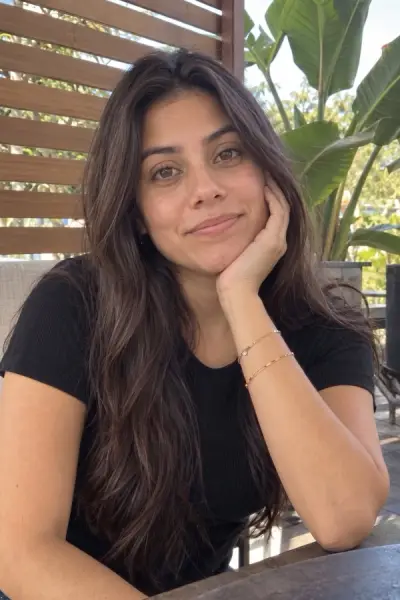
Pick a look, add a selfie, and Picsie re-lights it: sunlight through blinds, a candid evening flash, deep blue twilight. Same face, same outfit. Just the moment you wanted.
Free filters, alwaysNo account to startiPhone, iOS 17+


BeforeAfterYour studio, your rules
A tiny touch-up or a whole new mood.
There’s a different corner of Picsie for each.
Forty-nine filters, thirteen adjustments, and face tools you can take your time with. All on your iPhone. All without credits.


Flash, twilight, softer light. Choose an effect, then blend the result until it feels like you.
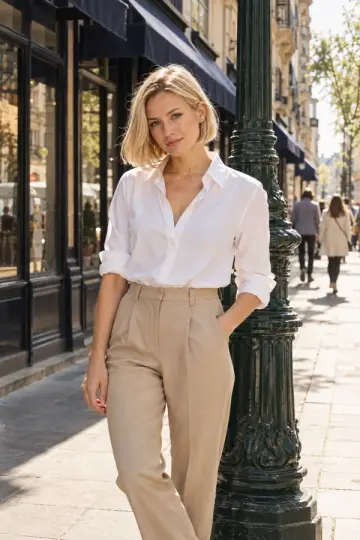
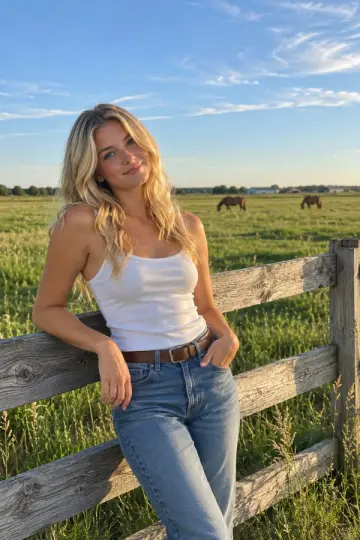
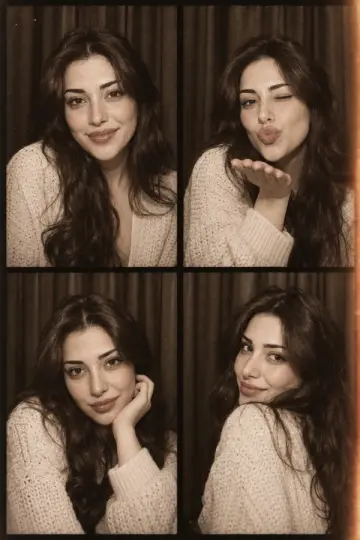
Open the photo diary Uses AI credits · consent before uploadA café booth, a sunny avenue, a photobooth strip. Start with a photo of you and choose the scene.
The photo diary
Explore real effect examples. Hold a photo for its original, or focus it and press Enter to compare.
Afters are real Picsie effects, cropped to fit. Your results may vary.
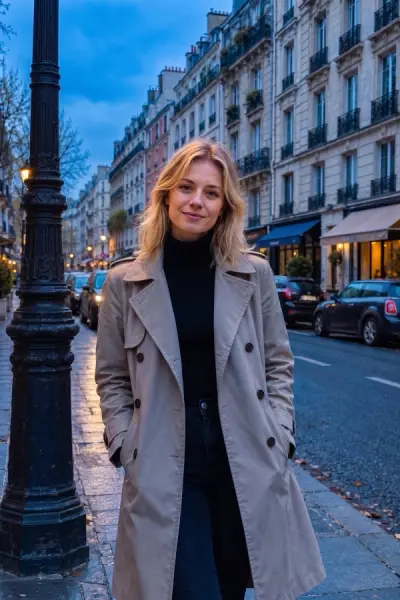
Same face, same outfit, same moment. Just the light you wish you'd had, and the place you wish you'd been.
The daydream collection
Pick a setting for your next AI portrait.
A new scene, with you at the centre.
Scene previews from the catalog. Your photo makes it personal.
01
02
03
04
05
06A little window shopping. Scroll to find your scene
No. You can explore every look and use the free filters and editor without signing up.
The Filters tab and the editor are free, with no credits needed. AI effects and scenes use credits that come with a weekly plan.
Every look is written to keep your face, hair and outfit, and to change only the light, the colour or the scene. You can blend the effect strength and hold to compare with your original.
Effects keep your photo and change its light and colour, like sunlight through blinds or an evening flash. Scenes put you into a new picture, like a café booth or a sunny avenue.
Yes. Pick any photo from Photos or take a new one with your camera.
iPhone with iOS 17 or later. Picsie is iPhone-only for now.
Free edits stay on your phone. When you create with AI, Picsie asks first and then sends only that photo to Google Gemini to make your result. Full details are in our Privacy Policy.
Save a little room for Picsie
Coming soon to the App Store. Made for iPhone, iOS 17 and later.